Praisewillow · Features
Tap, send, next
Each customer has a Text and a WhatsApp button. Your phone opens with their message ready. The date you sent it is kept.
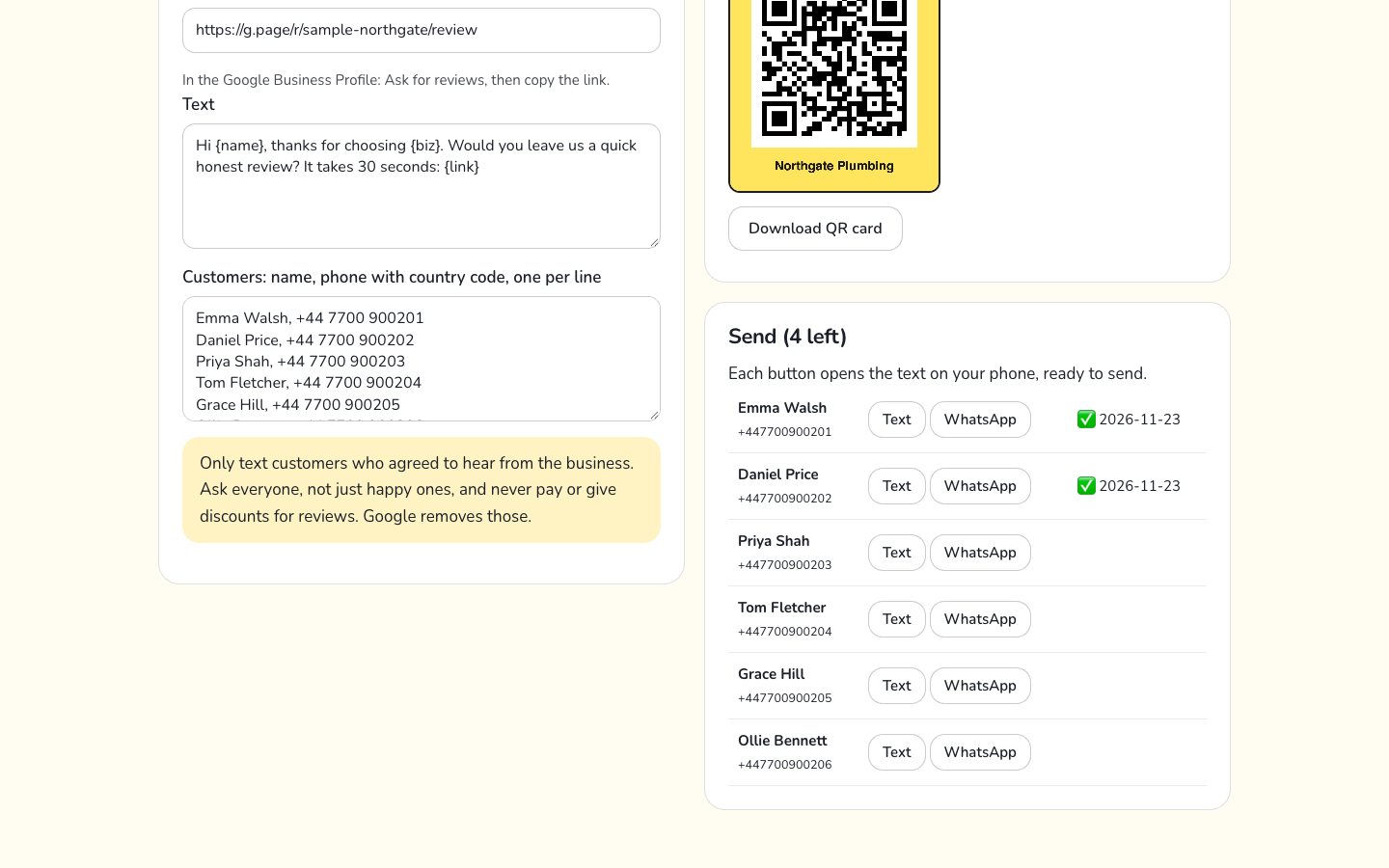
A real screen of Praisewillow, with sample data.
Each customer has a Text and a WhatsApp button. Your phone opens with their message ready.
The date you sent it is saved, so you never ask twice.
- Sent from your own number
- Count of who's left
- No message credits to buy
How to use it
- Tap Text or WhatsApp.
- Press send on your phone.
- Move to the next one.
More in Praisewillow
Your setup
Paste the Google review link, write the text once and add your customers, one per line. The counter card is made beside it.
QR counter card
Download a printable card that says How did we do? Customers scan it and land on your review page.
On your phone
Open it on your phone after a job and send the text before you drive off.